
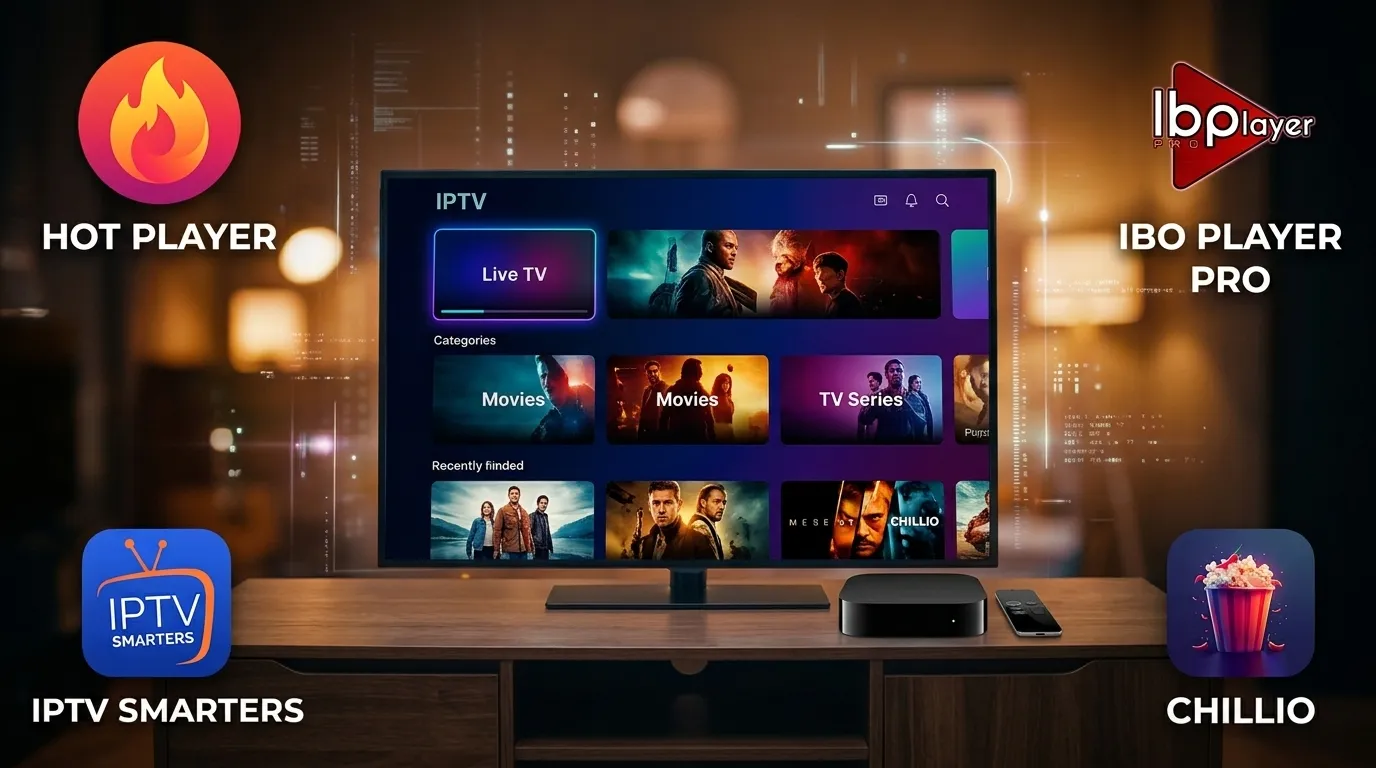
What You Need Before Starting: Once you activate one of our prepaid iptv plans, you will receive an email and live chat message within 60 seconds containing your Xtream Codes API Username, Password, Server Portal URL, and your M3U Playlist Link. We always recommend logging in via Xtream Codes API for the fastest Electronic Program Guide (EPG) and VOD poster loading.
1. Amazon Fire TV Stick / Fire TV Cube Setup for IPTV Plans
Amazon Fire TV Stick 4K and 4K Max are the most popular streaming devices for our iptv plans. You can use either TiviMate or IPTV Smarters Pro using the free Downloader app:
- From your Fire TV home screen, open the Find / Search icon and install the free Downloader app from the Amazon Appstore.
- Navigate to Settings → My Fire TV → Developer Options (if hidden, click About → Fire TV Stick 7 times rapidly to unlock Developer Options) and enable Install Unknown Apps for Downloader.
- Open Downloader and enter the official short code for IPTV Smarters Pro or TiviMate Companion, then click Install.
- Launch the app, select Login with Xtream Codes API, and enter any Profile Name (e.g., IPTVPlansVIP) along with the Username, Password, and Server URL from your welcome message.
- Click Add User—within 15 seconds, all 25,000+ live channels and 150,000+ VOD titles will load with full EPG categories!
2. Samsung (Tizen) & LG (WebOS) Smart TV Setup
You can stream our iptv plans directly on your Samsung or LG Smart TV without buying any external hardware box:
- Press the Home button on your TV remote and open the Samsung Apps Store or LG Content Store.
- Search for and install IBO Player Pro, IPTV Smarters Player, or Hot Player.
- If using IPTV Smarters, simply enter your Xtream Codes API credentials directly on screen.
- If using IBO Player Pro or Hot Player, note the Device ID / MAC Address and Device Key displayed on your TV screen, or send a photo of it to our 24/7 Live Chat Support and our technicians will remotely upload your playlist for you in 30 seconds!
3. Apple TV 4K, iPhone, iPad & Mac Setup
Apple devices render our 4K HDR streams beautifully using native Metal hardware acceleration:
- Open the Apple App Store on your Apple TV 4K, iPhone, or iPad.
- Download IBO Player Pro, Chillio, or Smarters Player Lite.
- Select Add Playlist via Xtream Codes API.
- Paste the Server URL, Username, and Password provided with your iptv plans activation email and tap Connect.
4. Android TV, NVIDIA Shield, Formuler Z11, BuzzTV & Windows PC
- NVIDIA Shield & Sony/TCL Google TV: Install TiviMate or IPTV Smarters directly from the Google Play Store and sign in with your Xtream Codes API details.
- Formuler Boxes (MYTVOnline 2 & 3) & BuzzTV: Open Content Manager → Content Sources → Add Portal (XC API), enter your Server URL, Username, and Password, and press Connect.
- MAG 254 / 322 / 524 Boxes: Send your device's
00:1A:79:...MAC address to our 24/7 live chat desk and we will bind it to our Stalker Portal URL immediately. - Windows 10/11 PC & MacBook: Download IPTV Smarters Expert from the Microsoft Store or open your M3U playlist link inside VLC Media Player (Media → Open Network Stream).
Want Our Engineers to Configure Your Device for You?
Message our 24/7 live support team and we will guide you step-by-step or remotely activate your Smart TV player app.